
Free Redirect Checker – Analyze HTTP Redirects & Status Codes Instantly
Mozedia’s free redirect checker instantly analyzes the redirect behavior of any URL and is perfect for SEO audits, troubleshooting, and site migrations.
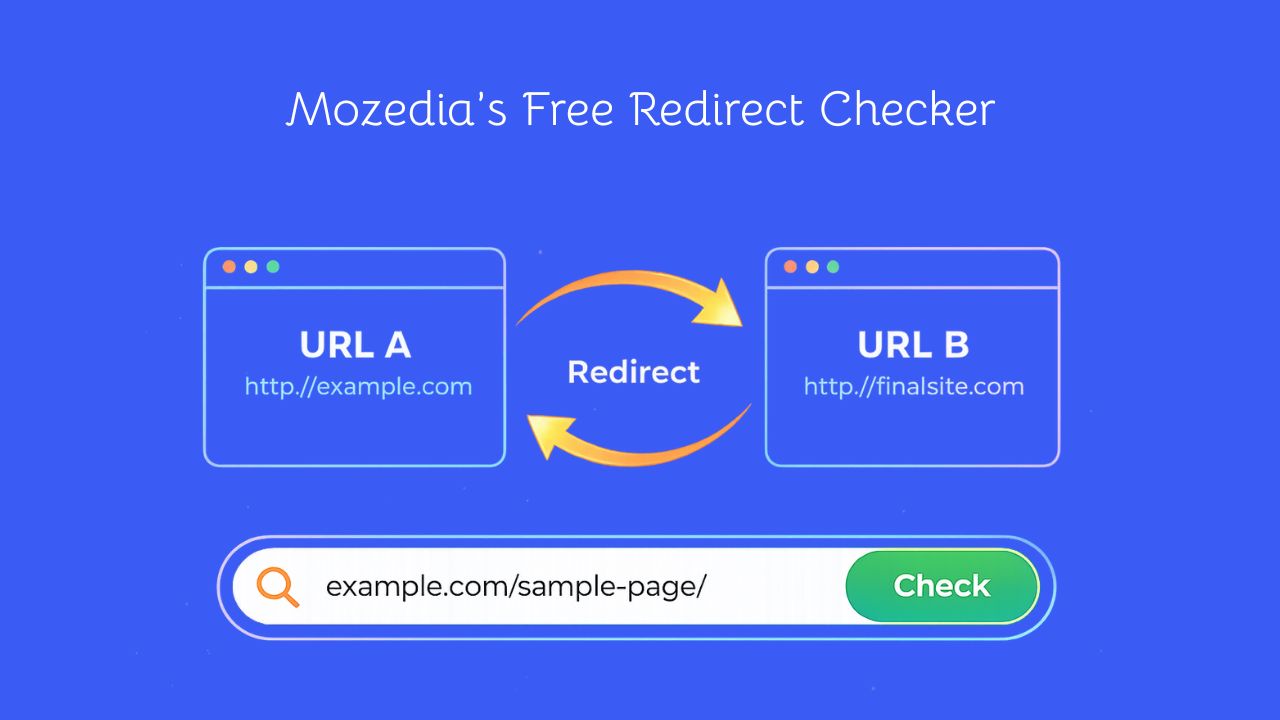
This redirect tool displays the complete redirect chain, HTTP status codes, response headers, and the final destination URL in real time, within seconds.
For deeper technical analysis, you can also use our DNS Checker and IP Address Lookup to understand how DNS resolution and server location affect redirects.
What is a Redirect Checker?
A redirect checker is an essential SEO tool that analyzes a URL’s HTTP response, full redirect chain, status codes (301, 302, 404, and more), and final destination URL.
This tool helps you identify redirect loops, broken redirects, and unnecessary redirect chains that can impact your website’s SEO performance and user experience.
How to Use the Redirect Checker Tool?
Using the Redirect Checker tool is very easy and requires only a few steps, just enter a URL, and analyze the results to understand the complete redirect flow.
Here are the clear steps:
Step 1: Enter URL
You need to enter the domain or URL with or without the protocol (http:// or https://), and the tool will automatically analyze the entire redirect path.
Step 2: Select User-Agent
If you wish, you can choose from different browsers, search engine bots, or devices to see how different clients experience your redirects; this is optional.
Step 3: Click Analyze
Click the analyze button to initiate the redirect check. The tool will follow the complete redirect chain and capture all HTTP responses in real-time.
Step 4: Review Results
Examine the redirect chain, status codes, HTTP headers, and final destination. Look for issues like multiple redirects, incorrect status codes, or broken chains.
Each additional redirect can increase response time and negatively affect Core Web Vitals and page load performance.
You may also want to review our website speed optimization guide to fix performance issues caused by redirect chains.
Pro Tip:
Always test with different user-agents, especially Googlebot and mobile browsers, as some websites serve different redirects based on the requesting client.
This helps ensure your redirects work correctly across all platforms.
Why You Need to Check Redirects?
Checking redirects helps you understand where a URL leads, how many redirect steps it follows, and whether it reaches the correct final destination before you visit it.
There are several reasons to check redirects, including:
1. SEO Impact:
Multiple redirects slow down page load time and dilute link equity. Search engines like Google have limited crawl budget, and excessive redirects waste valuable crawling resources.
Learn more about how redirects and crawl efficiency impact rankings in our guide on ranking without backlinks.
2. User Experience
Long redirect chains increase page load time, leading to higher bounce rates and frustrated visitors. Every redirect adds latency to the browsing experience.
3. Technical Debugging
Identify misconfigured redirects and server errors before they impact your traffic. Catch issues like redirect loops, broken chains, and incorrect status codes.
4. Migration Verification
Ensure old URLs properly redirect to new ones during website migrations or URL structure changes. Verify that all important pages maintain their redirect paths correctly.
5. Avoiding Malware
Redirects can send you through multiple unknown websites, increasing the risk of malware. Checking redirects in advance helps uncover unsafe or unwanted behavior of a URL.
Understanding Redirect Status Codes
In the redirection results, you’ll see status codes such as 301, 302, and 200. These redirect status codes tell browsers and search engines how a URL should be handled.
They help identify whether a page has moved permanently, moved temporarily, is missing, or has a server issue, making them crucial for SEO, performance, and user experience.
1. 301 – Permanent Redirect
A 301 redirect means a page has permanently moved to a new URL. It is the most SEO-friendly option and helps preserve rankings and link equity.
It is commonly used for website migrations, domain changes, URL restructuring, and permanently moved or renamed pages.
2. 302 – Temporary Redirect
A 302 redirect indicates a temporary move. Search engines usually keep the original URL indexed and do not fully transfer SEO value.
It is best for A/B testing, temporary maintenance pages, seasonal content, and short-term campaigns. Avoid using 302 for permanent changes.
3. 404 – Not Found
A 404 error means the requested page does not exist. While it is not a redirect, it often appears in redirect checks.
Too many 404 errors can harm SEO and user experience. Pages with backlinks should be redirected to relevant URLs using 301 redirects.
4. 500 – Server Error
A 500 error occurs when the server fails to respond due to an internal issue. This is a critical error that requires immediate attention.
Common causes include server misconfiguration, application or PHP errors, database failures, and resource limitations.
Understanding HTTP Response Headers
HTTP response headers provide important details about how a server handles requests, redirects, caching, and security.
Understanding these headers makes it easier to diagnose redirect issues, improve performance, and configure servers correctly.
1. Location Header
The Location header defines the destination URL for redirects and is included in 3xx responses. It tells browsers where to navigate next and must contain a valid absolute URL.
For example:
Location: https://www.example.com/new-page
2. Cache-Control
The Cache-Control header controls how redirect responses are cached by browsers and proxies. Proper cache settings improve performance, and reduce http requests.
For example:
Cache-Control: public, max-age=300
3. Server Header
The Server header identifies the web server software handling the request. It helps with technical troubleshooting and understanding the server stack.
For example:
Server: nginx
3. X-Cache-Status
The X-Cache-Status header shows whether a response was served from cache or fetched from the origin server.
It is useful for debugging caching behavior and optimizing CDN performance.
For example:
X-Cache-Status: HIT
4. Vary Header
The Vary header tells caches which request headers affect the response. This is important when serving different content based on factors like device type or encoding.
For example:
Vary: Accept-Encoding, User-Agent
5. Strict-Transport-Security (HSTS)
HSTS forces browsers to always use HTTPS for a domain and its subdomains. This prevents protocol downgrade attacks and helps avoid mixed-content issues.
For example:
Strict-Transport-Security: max-age=31536000; includeSubDomains
6. X-Frame-Options
This security header controls whether a page can be displayed inside frames or iframes. It helps protect against clickjacking attacks.
For example:
X-Frame-Options: SAMEORIGIN
7. Content-Security-Policy
The Content-Security-Policy header defines which content sources are allowed. It strengthens security by preventing XSS and unauthorized content injection.
For example:
Content-Security-Policy: default-src 'self'
Common Redirect Problems and Solutions
Redirect problems are common on many websites. These issues can quietly affect how pages load, how search engines crawl URLs, and how users experience a site.
Understanding the most common redirect problems makes it easier to identify them and address them effectively.
1. Redirect Chains
Redirect chains occur when a URL goes through multiple redirects. This slows down page loading, wastes search engine crawl budget, and increases server load.
Solution: Update all redirects to point directly from the original URL to the final destination. Eliminate intermediate redirects whenever possible.
2. Redirect Loops
Redirect loops occur when one URL redirects to another and then back to the original URL. This creates an infinite loop, page fails to load, and browsers show “too many redirects” errors.
Solution: Identify and fix the conflicting redirect rules in your server configuration or .htaccess file. Check for circular dependencies in your redirect logic.
3. Mixed Protocol Redirects
Mixed protocol redirects happen when a redirect chain switches between HTTP and HTTPS. This triggers browser security warnings, causes SEO issues, and can break secure sessions.
Solution: Always redirect HTTP to HTTPS in a single step. Never create chains that switch protocols multiple times. Implement HSTS headers to force HTTPS.
If you’re facing HTTPS configuration issues, our slow DNS lookup troubleshooting guide can help identify related latency problems.
4. Excessive Redirect Hops
Excessive redirect hops occur when a URL goes through many redirects. This significantly slows down pages, harms user experience and SEO.
Solution: Consolidate redirect chains to maximum 1-3 redirects. Update internal links to point directly to final URLs.
5. Wrong Status Code Usage
Using temporary redirects like 302 for permanent page moves confuses search engines. As a result, rankings are not transferred, the old URL may remain indexed.
Solution: Use 301 redirects for all permanent moves, migrations, and URL changes. Reserve 302 only for genuine temporary situations.
6. Redirect to Irrelevant Content
Redirecting URLs to unrelated pages, such as the homepage, instead of relevant alternatives leads to poor user experience. This causes higher bounce rates, and negative SEO signals.
Solution: Always redirect to the most relevant alternative page. If no alternative exists, consider returning 410 (Gone) instead of redirecting to homepage.
Redirect Best Practices for SEO
When redirects are implemented correctly, they help preserve rankings, maintain link equity, and ensure users reach the right content without delays or errors.
Proper redirect management is critical for SEO, site performance, and user experience.
1. Use 301 Redirects for Permanent Moves
Always use 301 redirects when a page or URL is permanently changed. A 301 tells search engines that the old URL should be replaced with the new one, allowing most SEO value to transfer.
This is ideal for website migrations, domain changes, HTTPS migrations, URL restructuring, and consolidating duplicate pages.
For best reliability and performance, redirects should be implemented at the server level using configuration files like .htaccess or nginx.conf.
2. Minimize Redirect Chains
Redirect chains happen when a URL passes through multiple redirects before reaching the final page. These chains slow down page loading and weaken SEO signals.
Keeping redirects limited to one or two steps helps preserve page speed and crawl efficiency. Regular audits, updating old redirects, and fixing chains during migrations prevent unnecessary delays.
Each extra redirect can add noticeable latency, which compounds quickly.
3. Always Redirect HTTP to HTTPS
HTTPS is essential for security, trust, and SEO. All HTTP URLs should redirect directly to their HTTPS versions in a single step.
This requires a valid SSL certificate, proper server configuration, HSTS headers, updated internal links, and correct canonical tags.
Since HTTPS is a confirmed Google ranking factor, this practice improves both visibility and user confidence.
4. Maintain Redirect Relevance
Redirects should always send users to the most relevant alternative page, not blindly to the homepage.
During migrations, old URLs should map to equivalent new pages. Deleted products should redirect to relevant categories, and merged content should point to the combined page.
Relevant redirects keep users engaged, reduce bounce rates, and protect conversion paths.
5. Perform Regular Redirect Audits
Redirect issues often appear over time as sites evolve. Regular audits help catch problems before they affect traffic or rankings.
Audits should check for redirect chains, loops, incorrect status codes, slow responses, and outdated redirects. Large websites benefit from monthly audits, while smaller sites can audit quarterly or after major updates.
6. Keep XML Sitemaps Clean
XML sitemaps should only include final destination URLs, never redirecting ones.
Removing redirected URLs, submitting updated sitemaps after changes, and monitoring Google Search Console improves crawl efficiency.
Clean sitemaps combined with proper redirects improve indexing and visibility in People Also Ask results.
7. Optimize Internal Links
Internal links should always point directly to final URLs instead of redirecting ones. This improves page speed, reduces server load, cleans up analytics data, and creates a smoother user experience.
After setting up redirects, internal links in menus, content, and templates should be updated accordingly.
8. Monitor Redirect Performance
Redirects should be monitored just like any other SEO element.
Tracking page speed, organic traffic, crawl errors, server response times, and redirect coverage helps identify issues early.
Ongoing monitoring ensures redirects continue to support SEO goals instead of silently hurting performance.
Redirect Checker Tool FAQs
These FAQs answer the most common questions about redirects, how they work, and how they affect SEO, performance, and user experience.
They are designed to help you quickly understand redirect behavior without technical jargon.
What is the difference between 301 and 302 redirects?
A 301 redirect is permanent and passes SEO value to the new URL, replacing the old URL in search results. A 302 redirect is temporary and keeps the original URL indexed.
Use 301 for permanent changes and 302 only for short-term situations.
How many redirects are too many?
Ideally, keep redirects to 1-2 hops. More than 5 redirects can cause search engines to stop following the chain, slow down page loading, and waste crawl budget.
Why do I see different results for different user agents?
Websites often serve different redirects for mobile users, search engine bots, or specific regions.
Testing multiple user agents ensures redirects function consistently and don’t block essential traffic.
What is a redirect loop?
A redirect loop occurs when two URLs repeatedly redirect to each other. This prevents the page from loading and prevents search engines from indexing it.
Should I redirect HTTP to HTTPS?
Yes. HTTPS improves security, trust, and SEO. All HTTP URLs should be redirected to HTTPS using a 301 redirect, ideally with HSTS enabled.
How do redirects affect page speed?
Each redirect adds extra loading time, typically 100-300ms. Redirect chains multiply this delay and can negatively impact user experience and Core Web Vitals.
Can redirects harm my SEO?
Properly implemented redirects protect SEO, but bad practices like redirect chains, loops, incorrect status codes, or unnecessary redirects can harm rankings and traffic.
What is a redirect chain?
A redirect chain occurs when a URL goes through multiple redirects before reaching the final page. Chains increase load time and dilute SEO value.
How long should redirects remain active?
Important pages should have 301 redirects in place for at least 1-2 years or permanently. Only remove redirects when traffic and backlinks are no longer present.
Server-side vs. client-side redirects, what’s the difference?
Server-side redirects are faster and more SEO-friendly. Client-side redirects (JavaScript or meta refresh) are slower and less reliable.
Server-side redirects are always preferred.
Do redirects pass link equity?
301 redirects pass most link equity (approximately 90–99%). Redirect chains can diminish this value, so it’s crucial to keep redirects direct.
Can I redirect one domain to another?
Yes. Domain-level 301 redirects are common during rebranding. Map the old URLs to the new pages and monitor the transition in Search Console.
Summary
Redirects are crucial for SEO, website performance, and user experience. When implemented correctly, they preserve rankings, guide users, and ensure efficient crawling.
Regularly checking redirects allows you to catch issues like chains, loops, incorrect status codes, and security gaps before they impact traffic or conversions.
By following best practices and monitoring redirects over time, you can maintain a healthy site structure and avoid hidden problems that silently harm SEO.
Explore more SEO and technical tools in our free tools section to audit and improve your website efficiently.